

/https%3A%2F%2Fassets.over-blog.com%2Ft%2Ftwentyeleven%2Fimages%2Fpine-cone.jpg "Latest Tech News, Mac News, Android Devices, Popular Smart Phones, Camera and Camcorders and Useful Tips and Guides")
Get PowerFolder Cloud to Sync, Backup, and Share Between Multiple Computers
Published on July 10 2016
Many of you probably have more than one computer and mobile devices in your household. There's at least one desktop and maybe a tablet and most likely some smart-phones. There's your laptop, your spouse's laptop, and the laptop that you bought for your kid to do schoolwork. And on all of these machines, there resides critical data that would be a pain, a nuisance, or a catastrophe to lose -- tax returns, homework assignments, kitty cat photos. Short of buying external backup drives for each machine, what can you do? How about syncing, sharing, backing up data between all of them, and keep your documents securely accessible from any device with PowerFolder Cloud? You even have the possibility of editing your documents online.
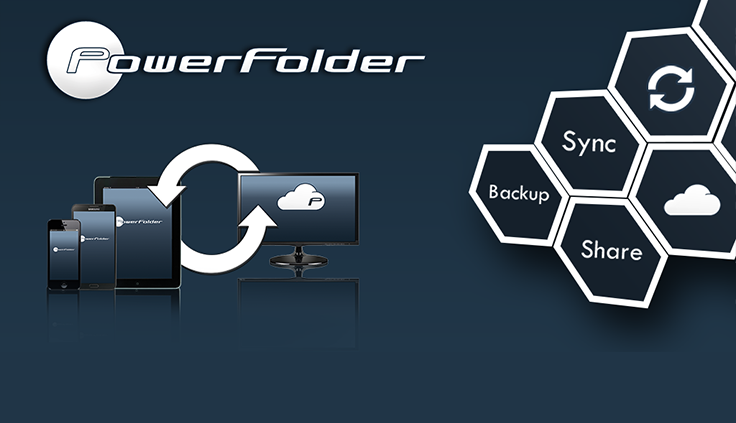
With PowerFolder Cloud, you'll be able to transfer an unlimited amount of data between an unlimited number of devices over the Internet, a LAN, or VPN! There's no need for a dedicated external drive to run backups, or a costly online service that only works with a single machine. When you're running PowerFolder Cloud, each one of your devices serves as a backup for all of the others! It's redundant backup to the max. Lose a file on one machine, go get a backup copy from another!

If you're worried about security, you'll be happy to hear that PowerFolder Cloud offers encrypted transfers, secure identity verification, and more! And if you're worried about your own tendency to forget mundane tasks like running backups, PowerFolder Cloud has you covered with the ability to automatically sync data, sync changed files, or perform scheduled backup and sync jobs!

Free download PowerFolder Cloud to Sync, Backup, and Share Between Multiple Computers
Article Source: Get PowerFolder Cloud to Sync, Backup, and Share Between Multiple Computers