

/https%3A%2F%2Fassets.over-blog.com%2Ft%2Ftwentyeleven%2Fimages%2Fpine-cone.jpg "Latest Tech News, Mac News, Android Devices, Popular Smart Phones, Camera and Camcorders and Useful Tips and Guides")
50% Off to Get FlashBoot to Make External USB Storage Devices Bootable
Published on July 17 2016
USB storage devices are extremely useful, but they would be so much more useful if they did more than just store your data. Imagine being able to install an entire operating system of your choice onto a USB device, then boot from that device on any machine. Now imagine that dream coming true, and you have FlashBoot.
FlashBoot gives you the power to make USB storage devices bootable, with the ability to install a variety of Windows and Linux operating systems to thumb drives and external hard disks. UsingFlashBoot makes quick work out of installing operating systems on the growing number of netbooks and other portable devices that lack the ability to read optical media. You can even use FlashBoot to convert bootable CD-ROMs to USB devices.
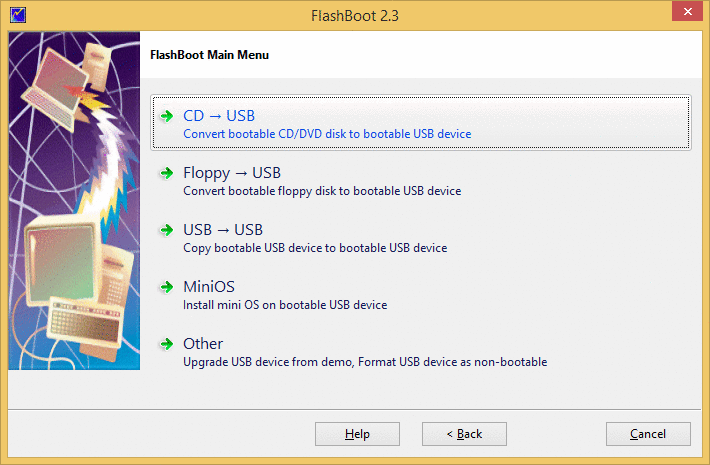
Think about it -- just by using FlashBoot, you'll immediately gain increased storage capacity, plus added physical protection that fragile optical discs just don't offer. Plus, you'll always have a quick and easy way to boot your work or home machine, even if you don't have access to a working optical drive! Best of all, FlashBoot works with all major brands of USB flash and external drives!
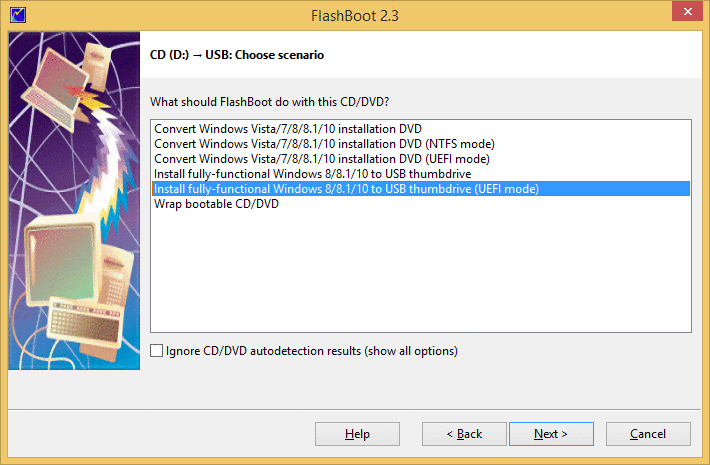
Unlike other tools, FlashBoot formats USB thumbdrives in such way that they are bootable regardless of BIOS settings (you don't need to enter BIOS setup to switch between USB-HDD or USB-ZIP boot mode if you useFlashBoot). During formatting of USB mass storage device, FlashBoot detects worn-out flash memory cells which silently fail to remember written data.
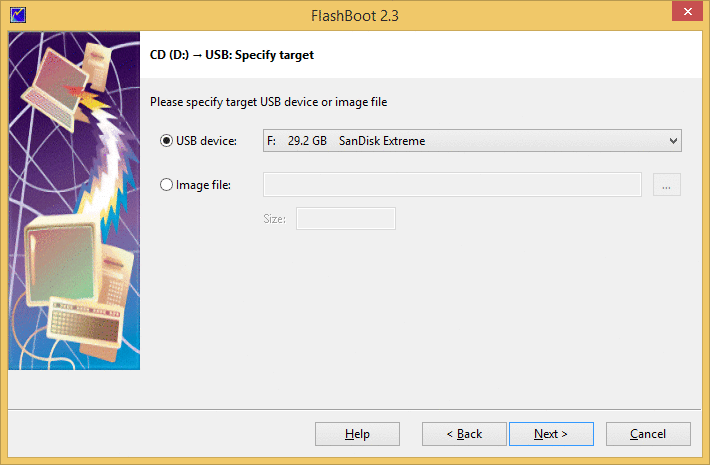
Since last promotion on BitsDuJour, FlashBoot has gained support for UEFI platform, retaining all previously existing features, so it's a powerful tool compatible with both modern and older computers.
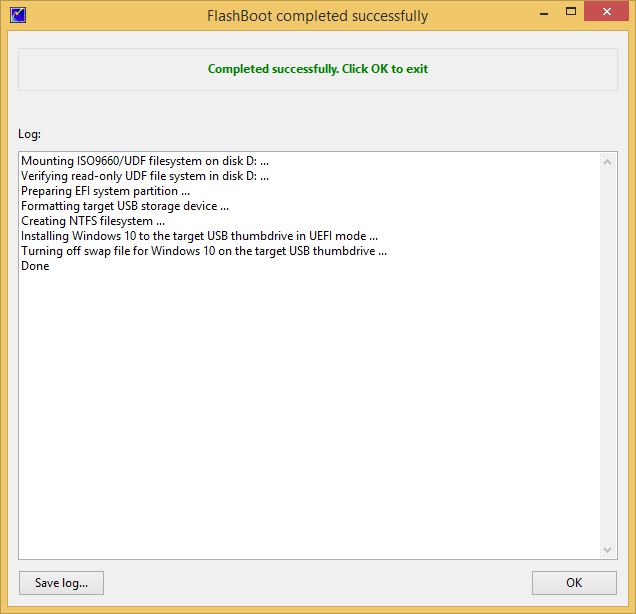
Free download FlashBoot to Make External USB Storage Devices Bootable
Article Source: Get FlashBoot to Make External USB Storage Devices Bootable