

/https%3A%2F%2Fassets.over-blog.com%2Ft%2Ftwentyeleven%2Fimages%2Fpine-cone.jpg "Latest Tech News, Mac News, Android Devices, Popular Smart Phones, Camera and Camcorders and Useful Tips and Guides")
33% Off to Get Macgo Windows Blu-ray Player to Enjoy Blu-ray Movies on Your PC
Published on June 26 2016
You've got a lot of Blu-ray movies that you've picked up, but you never get the time to actually watch them! Instead, you're chained in front of a computer all day while your Blu-Ray player collects dust. Well, instead of bringing your Blu-ray movies to your player, why not bring the player to your computer? It's possible with Macgo Windows Blu-ray Player!

Macgo Windows Blu-ray Player lets you play Blu-ray discs, folders, and ISO files on your Windows computer, while also offering the ability to play back DVD discs, video files, and more. Even better, Macgo Windows Blu-ray Player can play Blu-ray content back on your iPhone or iPad without any compromise in quality. Everything you love about the Blu-ray format is here in Macgo Windows Blu-ray Player - high definition audio tracks, substreams, chapter markers, and more. Best of all, you have the power to play Blu-ray and DVD disks from different regions!

As an added bonus, the inclusion of the new AirX function in Macgo Windows Blu-ray Player means that you'll be able to spin content that's playing in the application to any iPhone, iPad, or iPod that's connected to the same WiFi network. That's right - high definition video and audio delivered wherever you are in the house!
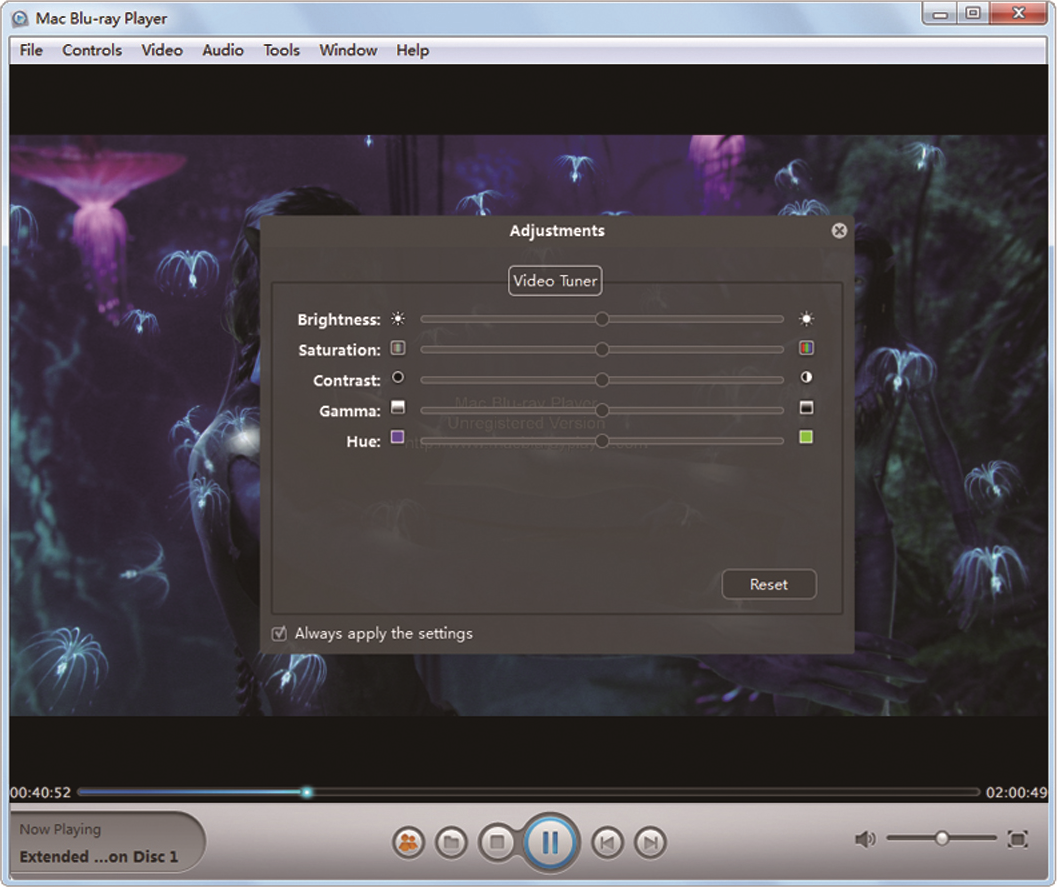
Free download Get Macgo Windows Blu-ray Player to Enjoy Blu-ray Movies on Your PC
/http%3A%2F%2Fi.ytimg.com%2Fvi%2FVFq8c0_F8wo%2Fhqdefault.jpg)
How to play Blu-ray Disc on Windows 8 with Macgo Windows Blu-ray Player?
Here will present the details about how to play Blu-ray disc or Blu-ray ISO files on Windows 8. With a Blu-ray drive and a third-part software - Macgo Windows Blu-ray Player, you can easily enjoy ...
https://www.youtube.com/watch?v=VFq8c0_F8wo&feature=youtu.be
Article Source: Get Macgo Windows Blu-ray Player to Enjoy Blu-ray Movies on Your PC