

/https%3A%2F%2Fassets.over-blog.com%2Ft%2Ftwentyeleven%2Fimages%2Fpine-cone.jpg "Latest Tech News, Mac News, Android Devices, Popular Smart Phones, Camera and Camcorders and Useful Tips and Guides")
Get Volume Keys to Adjust Computer Volume Using Hotkeys
Published on June 25 2016
Have you ever blown out your ears because you unmuted your computer at an exceptionally high volume? Do you have to strain to reach the volume controls on your speakers because they’re in a bad spot? Take your volume adjustment game to the next level with Volume Keys!
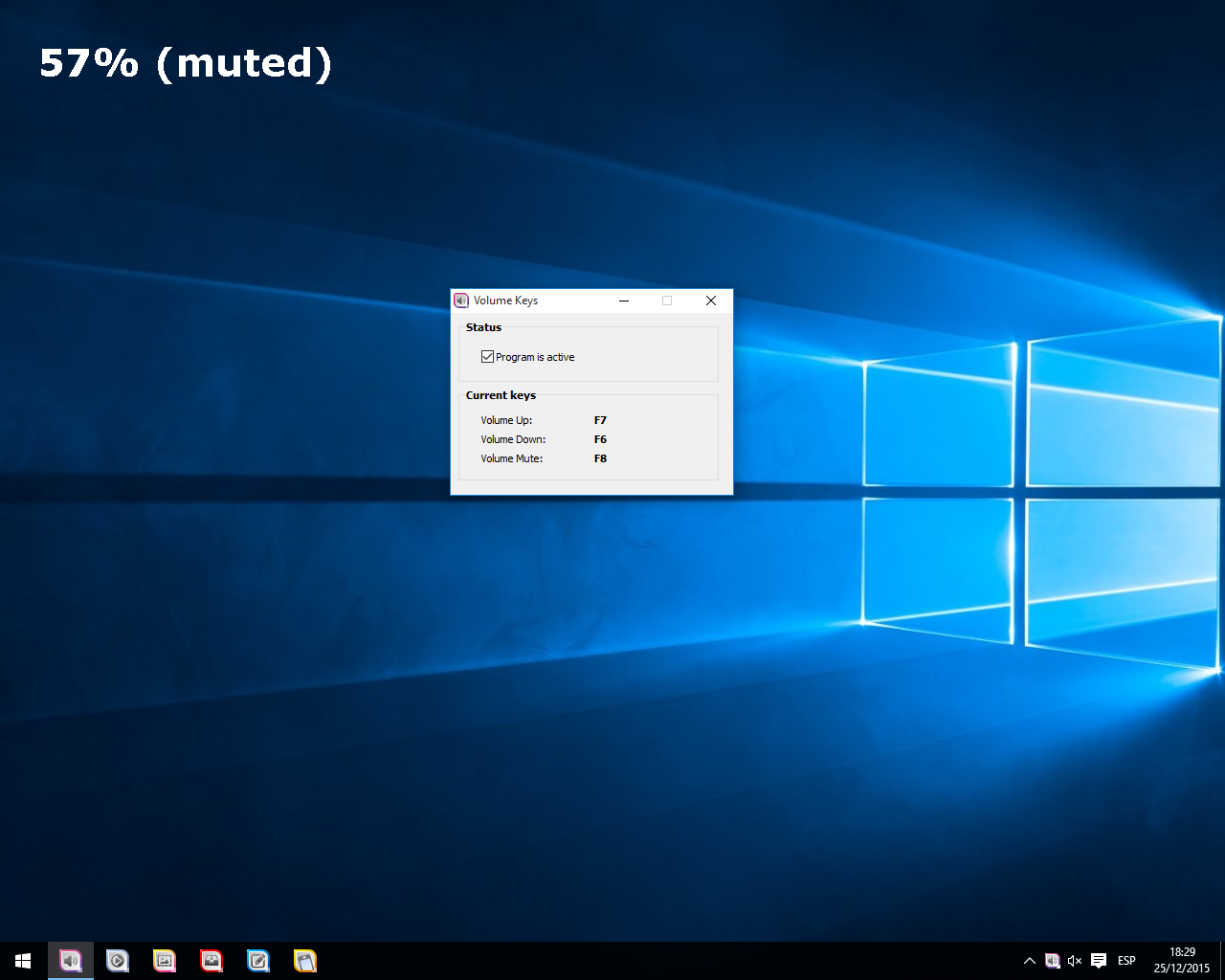
Volume Keys lets you assign keyboard shortcuts to increase, decrease, or mute the volume on your computer. With Volume Keys, you’ll be able to run the program out of the box using default mapping, or customize it with your own hotkey combinations.
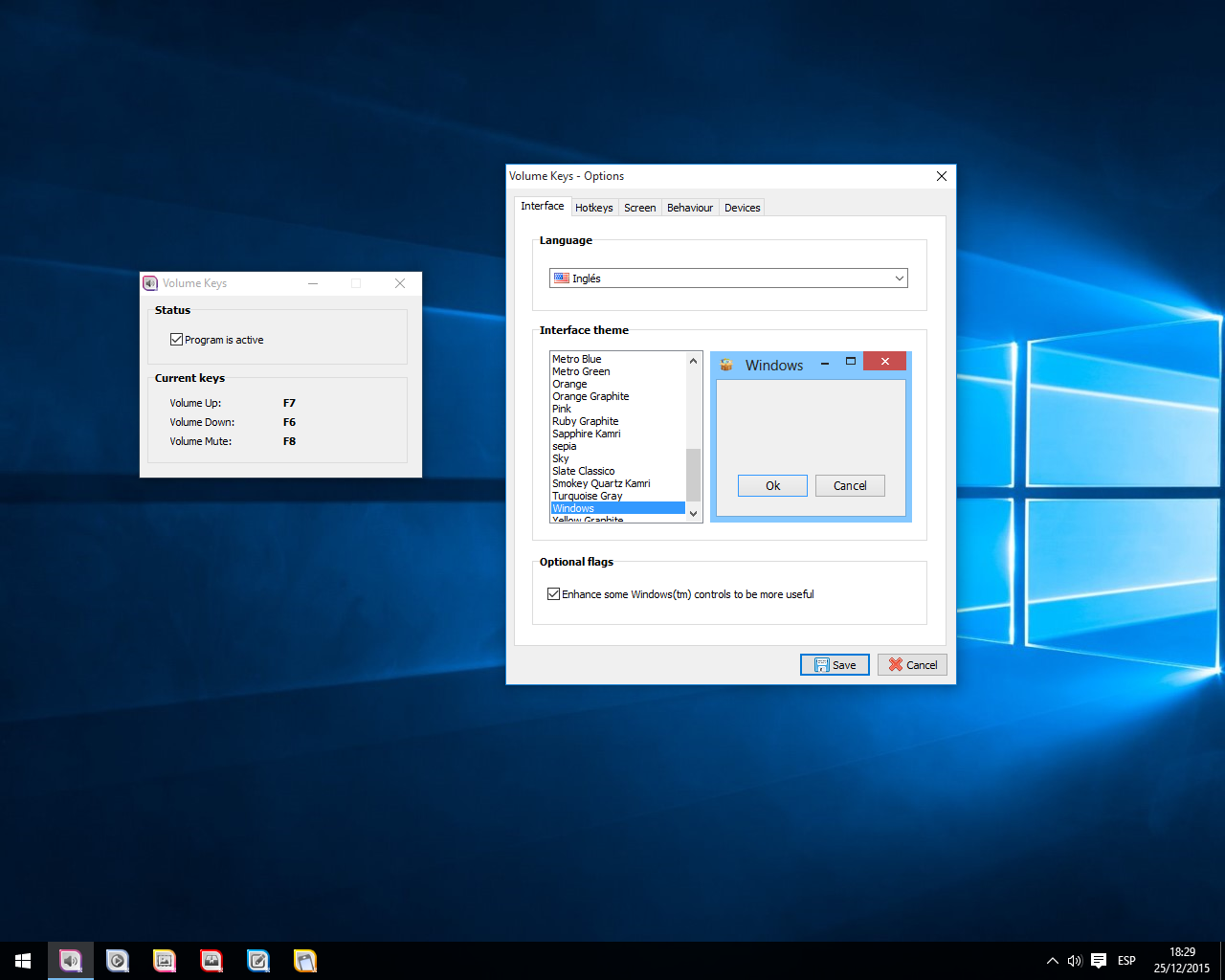
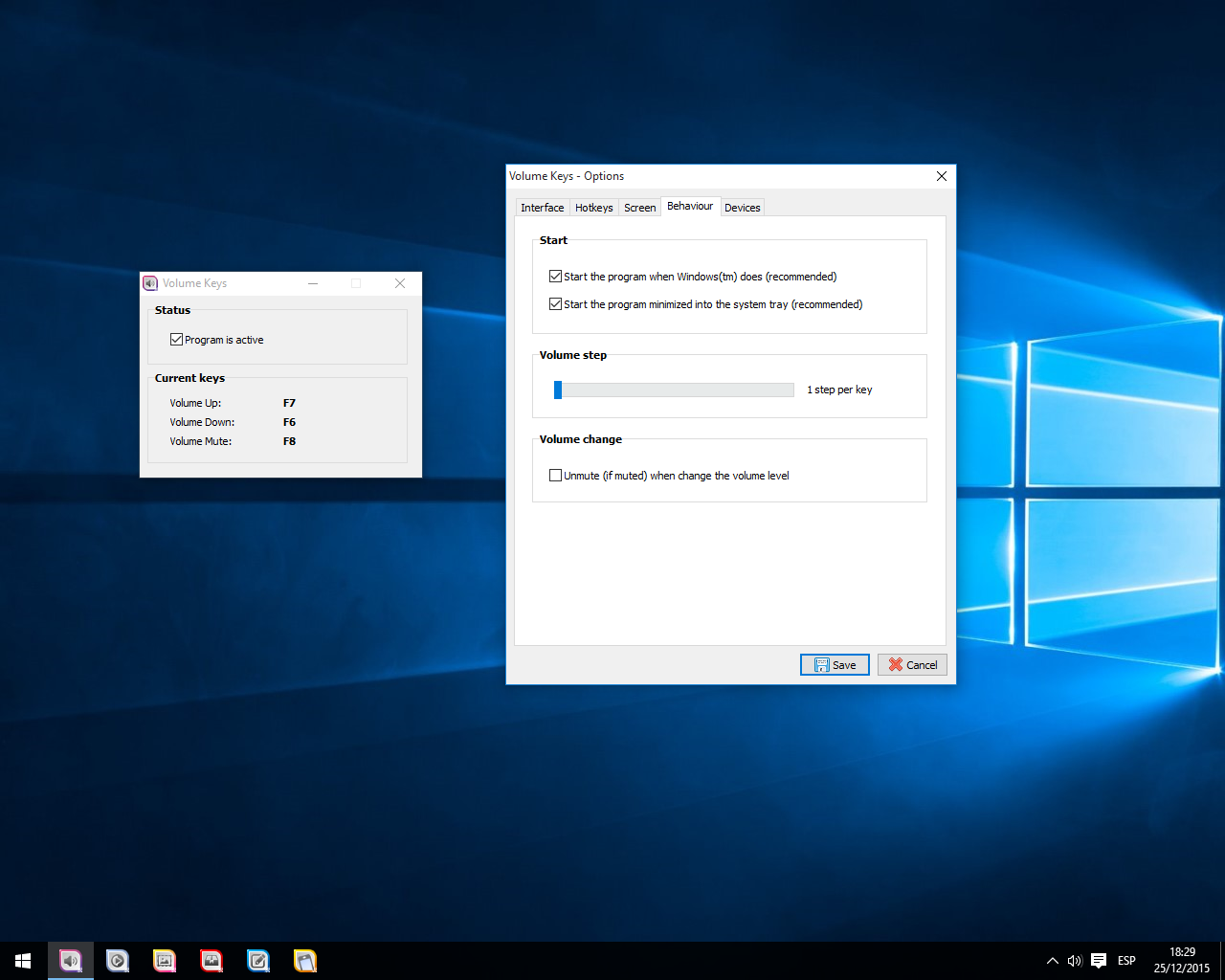
A unique On Screen Display allows Volume Keys to show you the current volume state and percentage of maximum volume, even if you are playing a game or running an application in full screen mode. And for the ultimate in convenience, Volume Keys can be configured to automatically start when your computer boots, so it’s available as soon as you start using your computer.
Free download Volume Keys to Adjust Computer Volume Using Hotkeys
Article Source: Get Volume Keys to Adjust Computer Volume Using Hotkeys